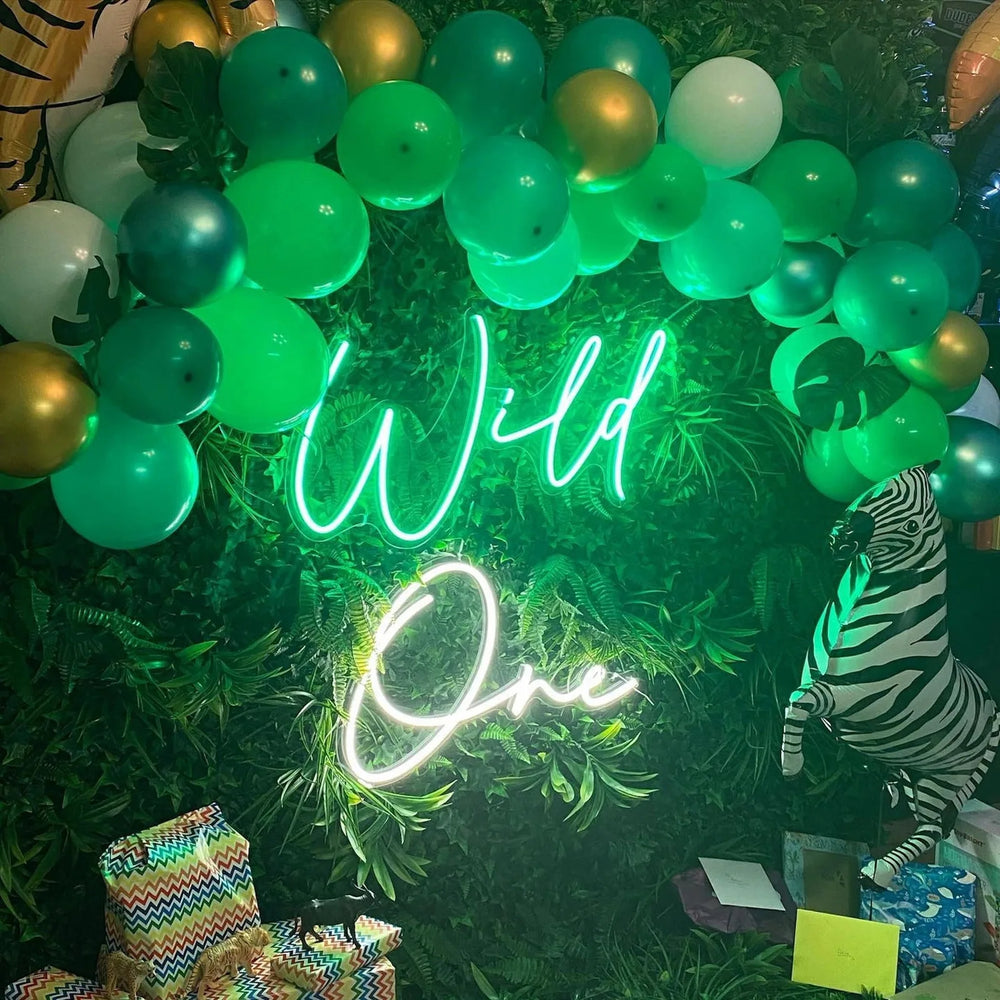
Turn the sign down, not up, and shoot at dusk with a little room light on. A sign at full brightness in a dark room blows out to a white blob in every photograph.
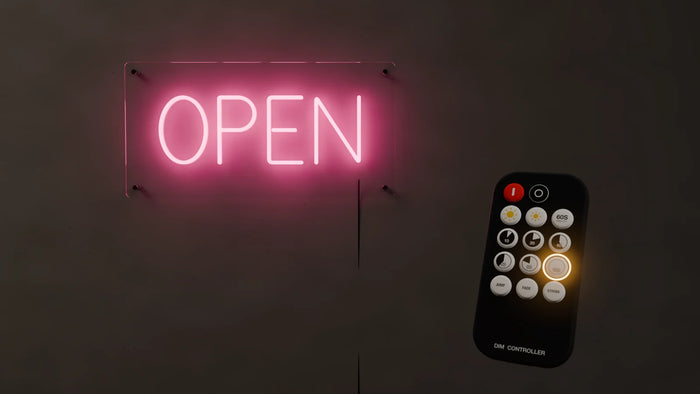
Use the dimmer that came with it. That one control fixes more neon photographs than any camera setting.
Why neon photographs badly by default
A camera meters for the whole frame. In a dark room the sign is far brighter than everything else, so the camera exposes for the darkness and the sign clips to pure white, losing its color entirely. That is why so many neon photographs show a glowing white shape where a pink sign should be.
The recipe
- ✓ Shoot at dusk, or with a lamp on. Not in a blacked out room.
- ✓ Dim the sign to about half. It will still look bright to the eye and it will photograph in color.
- ✓ Tap the sign on your phone screen to set exposure there, then drag the slider down a little further.
- ✓ Shoot slightly off axis, ten or twenty degrees to one side, especially with a mirror backboard.
- ✗ No flash. It kills the glow and shows you the reflection of the flash in the acrylic.
- ✗ No night mode. It brightens the shadows and pushes the sign further into clipping.
Photographing people in front of it
| Problem | Fix |
|---|---|
| Faces are a silhouette | Add any soft light in front of them, even a lamp |
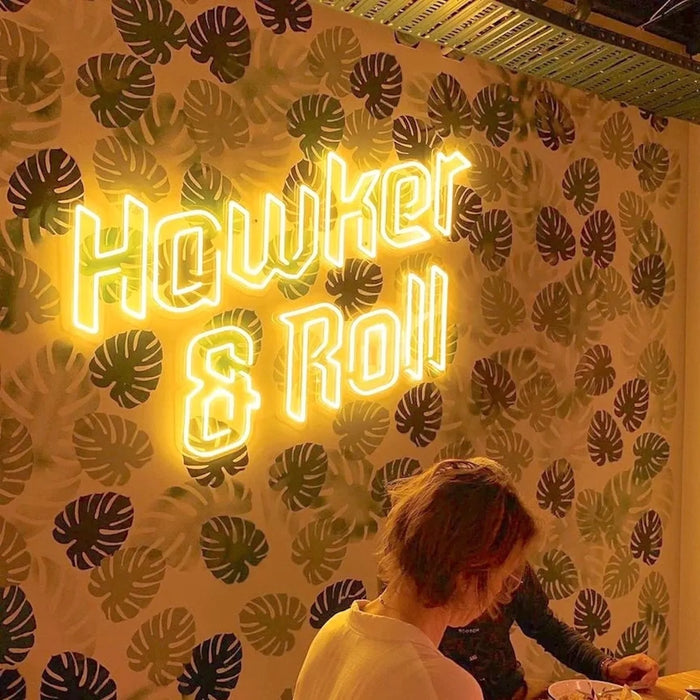
| Everyone looks pink or blue | That is a saturated tube. Warm White avoids it entirely |
| Sign is behind their head | Mount higher, around 150 to 170 cm to the center |
| Cannot fit both in frame | You need two to three meters of clear floor in front |
This is worth knowing before you buy rather than after. If the sign's job is to be in photographs with people, the wall and the color matter more than the wording.
Colors that photograph well
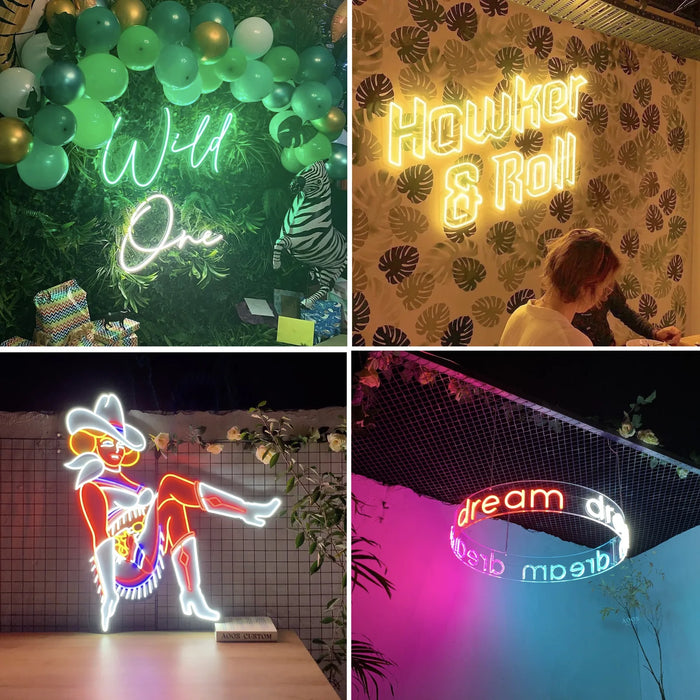
Warm White is the most forgiving, because it does not tint skin. White is crisp and holds detail well. Hot Pink and Turquoise photograph vividly but color everything near them. Deep Blue and Deep Green are the dimmest tubes we make, which helps in a photograph even though it works against them in a bright room.
If your photographs of your own sign have always been disappointing, it is almost certainly the brightness rather than your camera. Dim it to half, switch a lamp on, shoot at dusk, and take one photograph. The difference is not subtle, and it costs nothing to try tonight.
Frequently asked questions
How do I photograph a neon sign properly?
Dim the sign to about half, shoot at dusk or with a lamp on rather than in a dark room, and tap the sign on your phone screen to set exposure there before dragging the brightness slider down a little. No flash and no night mode.
Why does my neon sign photograph as a white blob?
Because the camera meters for the whole frame. In a dark room the sign is far brighter than everything around it, so the camera exposes for the darkness and the sign clips to pure white, losing its color. Reduce the difference by dimming the sign and lifting the room light.
Should I use flash?
No. Flash flattens the glow that makes the sign worth photographing, and it shows you a bright reflection of itself in the acrylic. Night mode is also counterproductive, because it lifts the shadows and pushes the sign further into clipping.
Why does everyone look pink in photos with my sign?
A saturated tube casts its color onto whoever is near it. That is inherent to the color, not a camera fault. Warm White avoids it completely, which is why it is the standard choice anywhere people are photographed in front of the sign.
How much space do I need in front of a sign for photos?
Two to three meters of clear floor, so a phone can fit a standing person and the sign in one frame. Mount the sign centered around 150 to 170 cm so it sits above a person's head rather than directly behind it.
We have made neon since 1998, and we still make it ourselves. If something here does not answer your question, ask us.